
Discover expert insights on cnc machine operations including types, setup, programming, and tips for precision manufacturing efficiency.
If you’ve ever wondered how CNC machine operations revolutionize manufacturing, you’re not alone. These automated processes turn digital designs into precision parts with incredible efficiency—powering everything from aerospace components to automotive engines. Whether you’re new to CNC or looking to sharpen your skills, understanding the essentials—from milling and turning to programming and setup—is key to mastering modern production. Ready to unlock the full potential of CNC machining? Let’s get right to it.
What Are CNC Machines The Foundation of Automated Precision
CNC machines, or Computer Numerical Control machines, are the backbone of modern manufacturing. They automate precise machining processes by following computer-generated instructions, allowing for consistent and accurate production. Instead of relying on manual skill alone, CNC machines use digital commands to guide cutting tools, creating complex parts with tight tolerances every time.
Evolution from Manual to Numerical Control
Before CNC machines, machinists manually operated lathes, mills, and drills with hand controls. This manual process required high skill levels and limited repeatability. Numerical control emerged in the mid-20th century to address these challenges. Early numerical control machines translated punched tape into tool motions. Today’s CNC systems use advanced software and digital programming (commonly G-code) to control every axis, making automated precision simpler, faster, and more reliable.
Core Components of CNC Machines
CNC machines combine several key parts that work in harmony:
- Controller: The “brain” interpreting the program and sending instructions.
- Drive System: Motors that move the machine axes accurately.
- Machine Bed: The solid frame supporting all components.
- Cutting Tool: Mills, drills, or lathes that shape the workpiece.
- Feedback System: Sensors that ensure movements match commands.
Together, these parts guarantee the precision and repeatability CNC machines are known for.
Types of CNC Machines
There are several popular CNC machine types, each suited for different tasks:
- CNC Milling Machines: Remove material by rotating multi-point cutting tools.
- CNC Lathes: Rotate the workpiece against cutting tools for cylindrical shapes.
- CNC Routers: Similar to mills but typically used for softer materials like wood or plastic.
- 5-Axis CNC Machines: Offer multi-directional cutting for complex geometries.
- CNC Plasma and Laser Cutters: Use plasma or lasers for cutting sheet materials with high precision.
Understanding these basics helps you see why CNC machines revolutionize subtractive manufacturing methods and precision machining techniques across industries.
Essential CNC Machine Operations From Milling to Multi-Axis Mastery
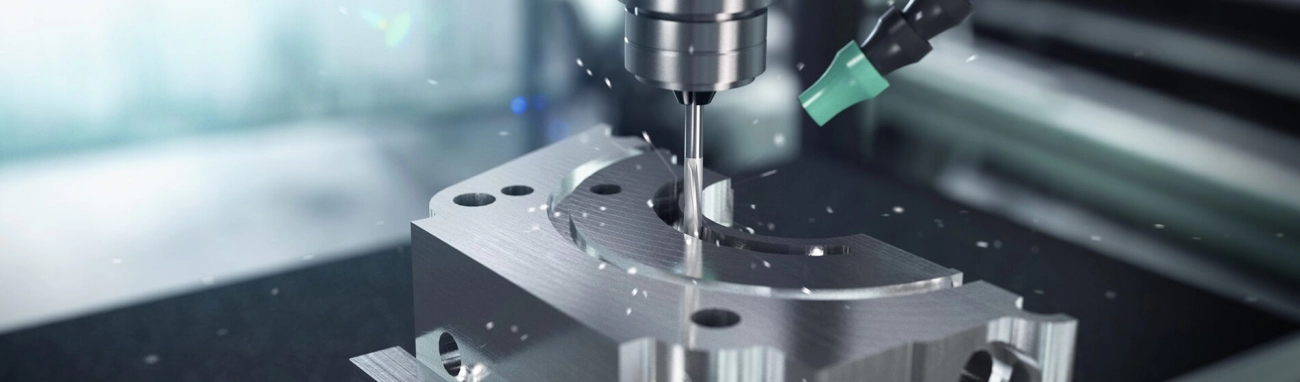
CNC machine operations cover a wide range of tasks, all aimed at shaping and cutting materials with precision. Here’s a quick look at the most common types and what they do:
Milling Operations
Milling uses rotating cutters to remove material from a workpiece. It’s great for flat surfaces, slots, and complex contours. CNC milling is popular for detailed parts where accuracy matters.
Turning and Lathe Operations
Turning involves spinning the workpiece while a cutting tool shapes it. Lathes are used for cylindrical parts like shafts or bolts. CNC turning offers fast, consistent cuts on round objects.
Drilling and Boring
Drilling creates holes, while boring enlarges existing ones to precise diameters. These operations are essential for creating threaded holes or accurate bores and fit into many production processes.
Advanced Operations
Advanced CNC tasks include multi-axis machining, where machines move on more than three axes. This allows for complex shapes and undercuts without repositioning the workpiece. It’s perfect for aerospace and automotive parts requiring intricate details.
Comparison of Operations
| Operation | Use Case | Strengths | Typical Materials |
|---|---|---|---|
| Milling | Contours, slots, surfaces | Versatile, precise | Metal, plastic, wood |
| Turning | Cylindrical shapes | High speed, good surface finish | Metal, plastic |
| Drilling/Boring | Hole creation/enlargement | Accurate hole sizing, fast | Metal, wood |
| Multi-Axis | Complex 3D shapes | Flexibility, minimal setup time | Aerospace metals, composites |
Each operation serves a unique purpose in CNC machining. Picking the right one depends on the part design, material, and precision needed. Understanding these basics makes it easier to get the most from your CNC equipment.
Step-by-Step CNC Machine Setup and Operation Workflow
Setting up a CNC machine for operation involves a clear series of steps to ensure precision and efficiency. Here’s a simplified workflow that covers each vital phase:
CAD CAM Design
Everything begins with design. Use CAD (Computer-Aided Design) software to create the part model, then import it into CAM (Computer-Aided Manufacturing) software to generate the toolpaths. This step controls the cutter’s movements and helps produce efficient G-code programming tailored to the project.
Tool Loading and Offsets
Next, load the right cutting tools into the machine’s tool holders. Setting the correct tool offsets is crucial here — this means precisely measuring tool length and diameter so the CNC machine knows where the tool tip is relative to the workpiece.
Workpiece Fixturing
Securely fixture the workpiece on the machining table. Proper fixturing prevents movement and vibration during machining, which can affect precision and surface finish. Use vises, clamps, or custom jigs depending on the part’s shape.
Program Loading and Dry Run
Load the CNC program, usually G-code, into the machine controller. Before actual machining, perform a dry run, where the tool paths execute without cutting material. This step catches programming errors or tool collisions early, saving time and avoiding damage.
Execution and Monitoring
Start the cutting operation and keep an eye on the machine. Monitor spindle speeds, feed rates, and coolant flow to ensure everything runs smoothly. Being alert to unusual noises or vibrations helps catch issues quickly.
Post Operation Inspection
Once machining is complete, inspect the part thoroughly. Check dimensions and surface finish using calipers, micrometers, or CMM devices. This confirms the part meets specifications and helps refine future setups.
Common Pitfalls to Avoid
- Skipping tool offset checks, leading to inaccurate cuts
- Improper fixturing causing part movement or damage
- Ignoring dry runs and risking collisions
- Rushing the setup process, resulting in wasted time and material
Following these steps carefully prevents costly mistakes and improves overall CNC machine operations.
Programming Basics for CNC Operations G Code Demystified
When it comes to CNC machine operations, programming is the backbone that drives precise machining. G-code is the most common language used to control CNC machines, translating design plans into machine movements. Think of G-code as a set of instructions telling the CNC exactly where and how to cut.
Key Commands in G Code
- G00 – Rapid positioning to move the tool quickly without cutting.
- G01 – Linear interpolation, moving the tool at a set feed rate for cutting.
- G02 and G03 – Circular interpolation for clockwise and counterclockwise arcs.
- M03 and M05 – Start and stop the spindle motor.
- G28 – Return to machine home position.
- M30 – End of program.
These commands form the foundation of most CNC tasks like milling, turning, drilling, or boring.
Software Tools for CNC Programming
Modern CNC operations heavily rely on CAM (Computer-Aided Manufacturing) software. Popular options like Fusion 360, Mastercam, and SolidCAM allow you to:
- Generate G-code automatically from CAD designs.
- Simulate toolpaths to avoid collisions.
- Optimize feed rates and speeds for better results.
Using reliable software simplifies the programming process and helps avoid costly mistakes.
Best Practices for CNC Programming
- Validate your code with simulations before running on the machine.
- Keep the programs organized and well-commented for easy troubleshooting.
- Start with basic commands and gradually integrate advanced features.
- Adjust speeds and feeds based on the material and cutting tool.
- Routine updates of software and machine firmware improve compatibility and performance.
Mastering these programming basics ensures smoother operations and better part quality on any CNC machine.
Safety Protocols and Maintenance for Reliable CNC Operations
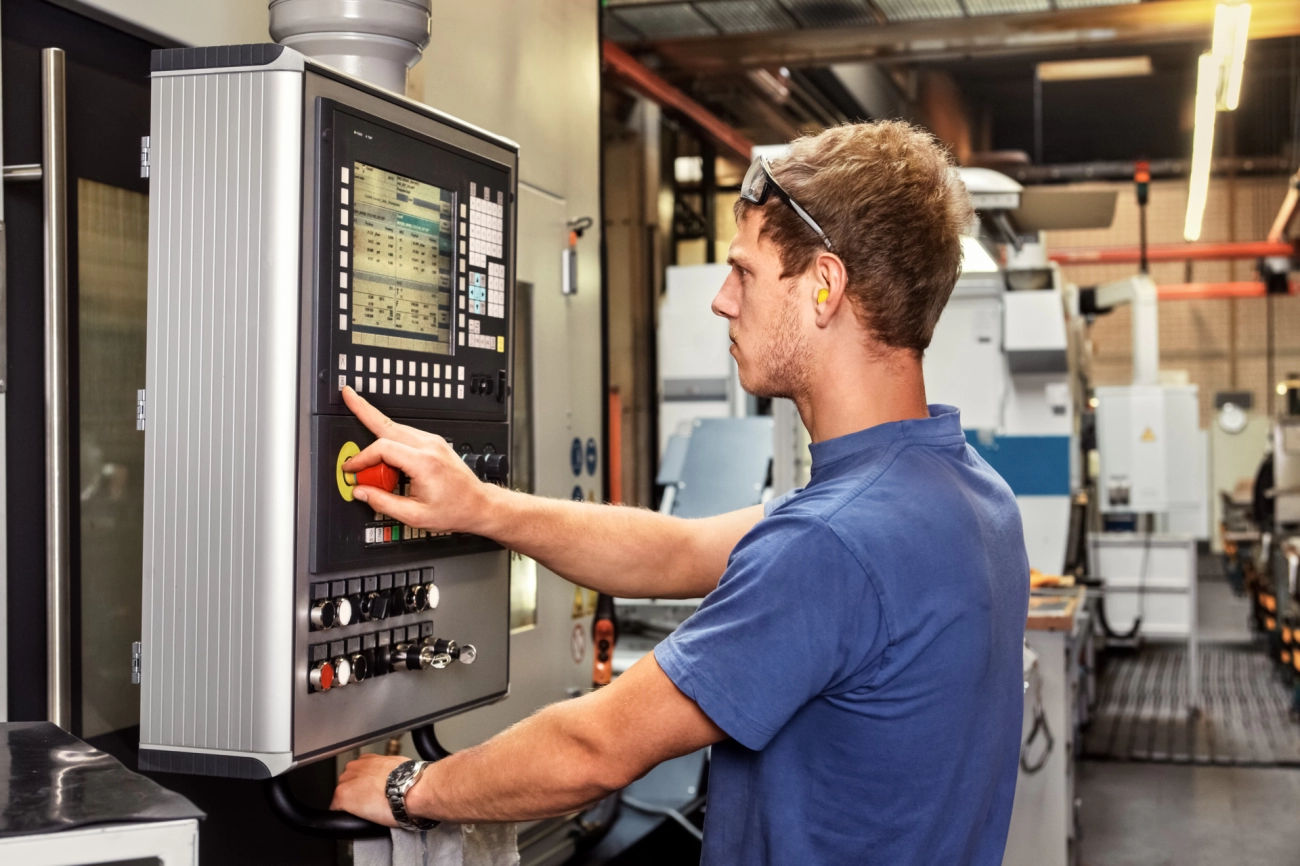
Keeping CNC operations safe and smooth is key to getting the best results. Here’s what you need to focus on:
Operator Safety and PPE
- Always wear proper personal protective equipment (PPE): safety glasses, gloves, and hearing protection.
- Stay clear of moving parts and never bypass emergency stops — these are there to protect you.
- Keep an eye on chip evacuation: built-up metal shavings can cause fires or jams, so use brushes or vacuum systems to clear them regularly.
Routine Maintenance
- Clean machine surfaces and lubricate moving parts to avoid wear and tear.
- Check tool holders and spindle alignment often to maintain precision.
- Replace worn tools and inspect electrical components to prevent breakdowns.
Error Troubleshooting
- Monitor alarms and error codes carefully; they help pinpoint issues fast.
- Common problems include tool breakage, incorrect tool offsets, and communication errors with the CNC control.
- Keep a log of issues to track recurring problems and consult manuals or professional support when needed.
Following these protocols keeps your CNC machine running reliably, cuts down on downtime, and ensures operator safety.
Benefits of CNC Machine Operations in Modern Manufacturing
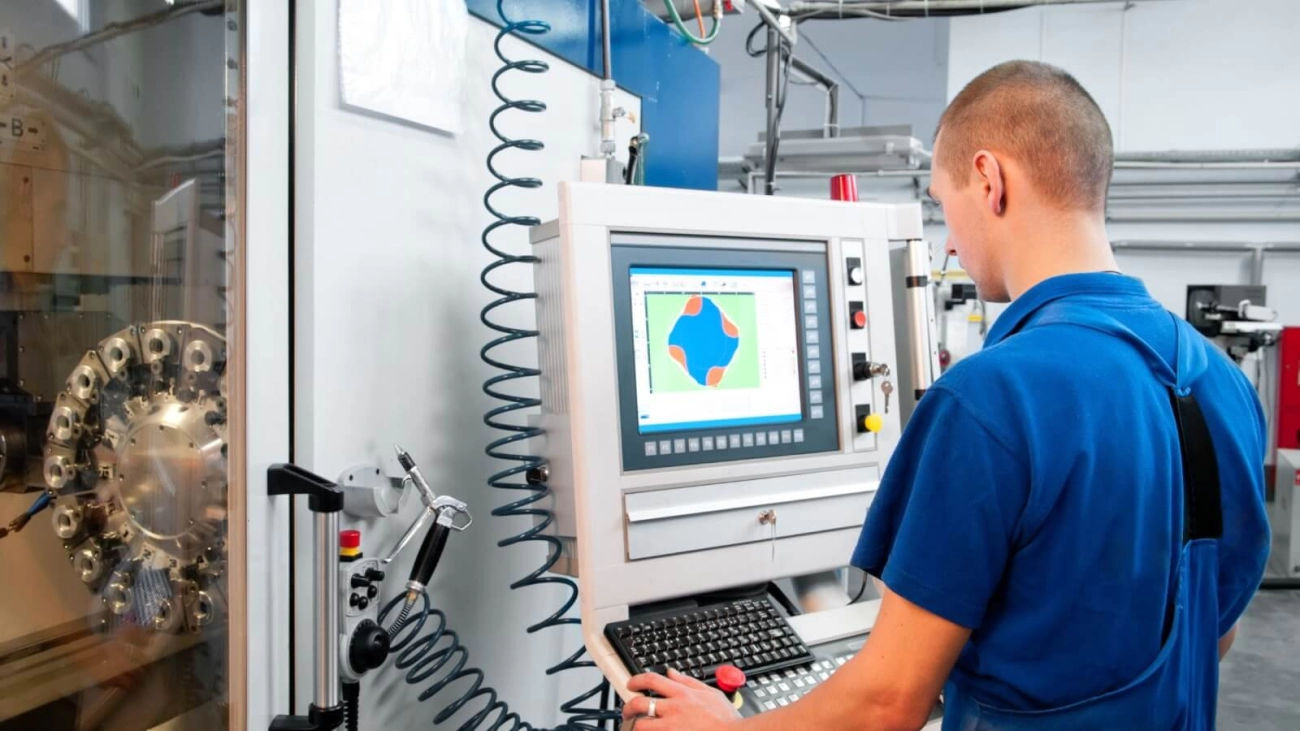
CNC machine operations bring clear advantages to today’s manufacturing scene, especially across the United States. They offer precision, efficiency, and versatility, making them a go-to choice for businesses aiming to stay competitive and meet quality demands.
Key Benefits
| Benefit | What It Means | Why It Matters |
|---|---|---|
| Precision | Machines cut to exact specs | Less waste, tighter tolerances |
| Efficiency | Fast, automated processes | Saves time and lowers costs |
| Versatility | Handles various materials and shapes | Works across different industries |
| Consistency | Repeatable accuracy | Ensures uniform quality batch after batch |
| Reduced Labor | Less manual intervention | Cuts human error and labor costs |
Industry Applications
CNC machines are widely used in several sectors throughout the US:
- Aerospace: High-precision parts with tight tolerances
- Automotive: Efficient mass production of components
- Medical: Small, complex parts for instruments and implants
- Electronics: Precise machining of housings and connectors
- Construction: Custom metal and woodwork components
In short, CNC machining streamlines production, boosts reliability, and supports rapid innovation — all crucial for today’s fast-paced manufacturing environment. Whether you’re running a small shop or a large plant, these benefits make CNC operations essential to modern US manufacturing.
Optimizing CNC Operations Tips from Vast Experts
To get the most out of CNC machine operations, smart optimization is key. Here are some straightforward tips based on expert advice that work well for manufacturers across the United States.
Tool Selection for Material Match
- Choose the right tools for the job. Using the best cutter or drill for your specific material—whether aluminum, steel, or plastics—makes a big difference.
- Material hardness matters. Different materials need different tool coatings and geometries to last longer and cut cleaner.
- Keep your tools sharp. Dull tools slow the process and lower precision.
Speed and Feed Optimization
- Balance speed and feed rates. Running your machine too fast or too slow can affect finish quality and tool life.
- Use manufacturer recommendations as a baseline. Then tweak based on your specific setup and material.
- Regularly test and adjust. Small changes here can mean big gains in machining time and part quality.
Integrating Automation
- Automate tool changes and material handling. This cuts downtime and reduces human error.
- Use CAM software for toolpath optimization. It helps fine-tune machine movements and cuts cycle time.
- Look into robotic loading/unloading. This is especially useful for high-volume or repetitive jobs.
Future Trends in CNC Operations
- Smart CNC machines with AI. These learn and optimize processes over time, improving efficiency.
- Increased multi-axis machining. Offers more complex part capabilities without extra setups.
- Cloud-based CNC management. Remote monitoring and adjustments from anywhere help keep machines running smoothly.
- Sustainability focus. Energy-efficient machines and waste reduction through better toolpaths are gaining traction.
By focusing on the right tools, fine-tuning feed rates, adding automation, and keeping an eye on emerging tech, you can maximize CNC machining output with lower costs and higher precision, perfectly suited for the competitive US manufacturing market.
 Chinese
  English
  Spanish (Peru)
  German
  Korean
  Spanish (Spain)
  Italian