
Discover expert guides and tips on cam machining with software tutorials, toolpath optimization, and CNC integration for precise manufacturing.
The Fundamentals: What Is CAM Machining and Why It Matters
CAM machining stands for Computer-Aided Manufacturing, a technology that uses software to control machine tools in making parts. It connects design with production by converting digital models into precise instructions that CNC machines follow.
What Is CAM Machining?
- Core Definition: CAM software takes CAD (Computer-Aided Design) models and plans the toolpaths that a CNC machine follows to cut or shape materials.
- Historical Evolution: Starting from manual programming in the 1950s to today’s smart, automated systems, CAM machining has transformed manufacturing by drastically reducing errors and boosting efficiency.
Key Components of CAM Machining
| Component | Purpose |
|---|---|
| cURL Too many subrequests. | Uploads 3D digital models to start manufacturing |
| Toolpath Generation | Calculates exact paths for cutting tools to follow |
| G-code Output | Produces the machine-specific code that runs CNC tools |
Why CAM Matters for US Shops
- Improved Precision: Reduces mistakes and scrap with exact toolpaths.
- Faster Production: Speeds up prototyping and batch runs.
- Cost Efficiency: Cuts manual programming time and labor costs.
- Flexibility: Easily modify designs and make quick updates.
cURL Too many subrequests.
- Relying on outdated software that limits features
- Poor CAD-to-CAM data transfer causing errors
- Neglecting simulation, leading to costly machine crashes
- Skipping toolpath optimization, which hurts speed and tool life
By mastering these fundamentals, U.S. manufacturers can enhance quality, reduce waste, and stay competitive in a fast-evolving industry.
How CAM Machining Works: From Design to Finished Part
CAM machining takes you from a digital design to a real, precise part with a clear, step-by-step workflow. Here’s how it usually breaks down:
- Import the CAD ModelYou start by bringing your CAD design into the CAM software. This model is the blueprint that guides all the machining steps.
- Define Stock and FixturesNext, you tell the software about your raw material (stock) and how it’s held in place (fixtures). This helps avoid collisions and ensures accurate cuts.
- Set Machining ParametersHere, you set feeds and speeds, select cutting tools, and determine the machining strategies. These settings are crucial for efficient and high-quality milling.
- Generate and Simulate ToolpathsThe CAM software creates the CNC toolpath—that’s the actual route the cutting tool will follow. Running a simulation lets you catch errors or issues before cutting metal.
- Post-Process G-CodeAfter the toolpath is approved, the CAM program converts it into G-code. This language tells your CNC machine exactly how to move and work.
- Run and IterateFinally, you load the G-code into your CNC machine, run the job, monitor the process, and make adjustments if needed. This loop ensures your finished part matches the design specs.
Real-World Application and Local Insight
For U.S. shops, this workflow means faster setups and less wasted material—key for staying competitive. Whether you’re making prototype parts or full production runs, mastering this process helps things flow smoothly in your local manufacturing environment, where precision and efficiency are top priorities. Plus, many CAM tools now integrate directly with popular CAD packages used by U.S.-based engineers, streamlining the entire workflow.
Choosing the Right CAM Software: Top Options for Every Budget
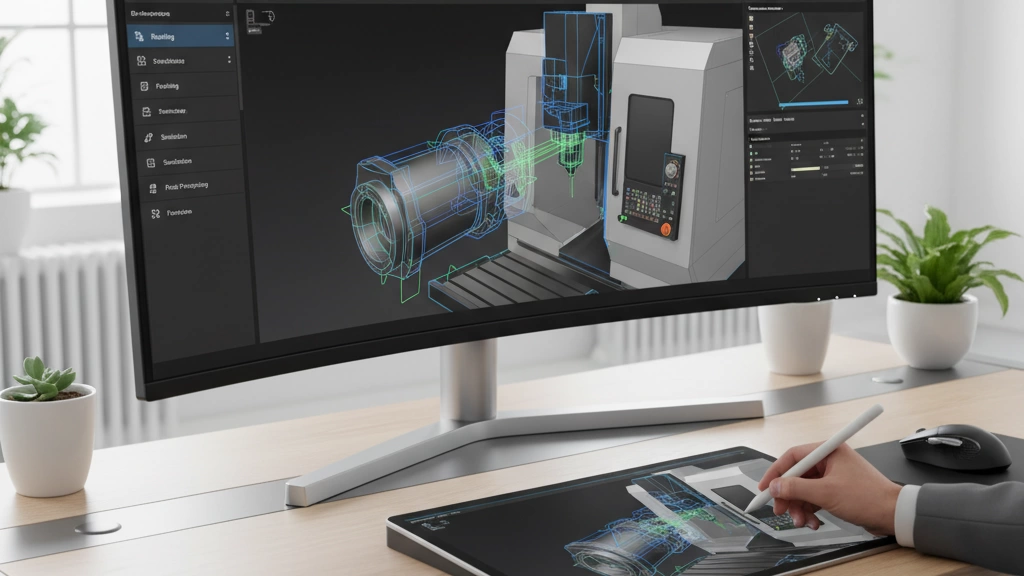
Picking the right CAM software comes down to your needs, experience level, and budget. Here’s how to evaluate and some top picks for shops across the U.S.
cURL Too many subrequests.
- cURL Too many subrequests. cURL Too many subrequests.
- cURL Too many subrequests. cURL Too many subrequests.
- cURL Too many subrequests. cURL Too many subrequests.
- cURL Too many subrequests. cURL Too many subrequests.
- cURL Too many subrequests. cURL Too many subrequests.
- cURL Too many subrequests. cURL Too many subrequests.
- Cost: cURL Too many subrequests.
cURL Too many subrequests.
| Software | cURL Too many subrequests. | cURL Too many subrequests. | cURL Too many subrequests. |
|---|---|---|---|
| Fusion 360 | cURL Too many subrequests. | cURL Too many subrequests. | $60/month or free for hobbyists & startups |
| SolidCAM | Integrated with SolidWorks | Popular with mid-sized shops | Pricing varies + subscription |
These tools let you do CNC toolpath generation and G-code programming without a steep learning curve. Fusion 360’s cloud system works well for teams across locations, a big plus for US shops with remote workflows.
Pro-Level CAM Software
| Software | cURL Too many subrequests. | US Industry Focus | cURL Too many subrequests. |
|---|---|---|---|
| Mastercam | Industry standard, versatile | Mold & die, aerospace, general manufacturing | $5,000+ |
| Siemens NX CAM | Advanced multi-axis & automation | High-end aerospace, automotive | Custom pricing |
| hyperMILL | High-speed machining & 5-axis | Precision mold & die | Custom pricing |
These tools pack powerful CNC simulation tools and feeds and speeds optimization techniques, ideal for shops pushing multi-axis milling and precision subtractive manufacturing.
Emerging Trends
- AI-driven CAM automation helps reduce programming time and errors.
- Cloud-based collaborative CAM like Fusion 360 lets US shops stay connected and agile.
- Integration with manufacturing process automation is growing fast.
Quick Comparison Table
| Feature | Fusion 360 | SolidCAM | Mastercam | Siemens NX CAM | hyperMILL |
|---|---|---|---|---|---|
| Beginner-Friendly | ✔ | ✔ | ✖ | ✖ | ✖ |
| 3-5 Axis Machining | Basic | Good | Excellent | Excellent | Excellent |
| CNC Simulation Tools | Included | Included | Included | Advanced | Advanced |
| Cloud Collaboration | ✔ | ✖ | ✖ | ✖ | ✖ |
| Cost | Low to Medium | cURL Too many subrequests. | High | High | High |
Choosing software that fits your US shop’s size and goals will save time and boost your CAM machining results. Start simple, then scale up as your projects demand it.
Step-by-Step Guide: Setting Up Your First CAM Machining Project
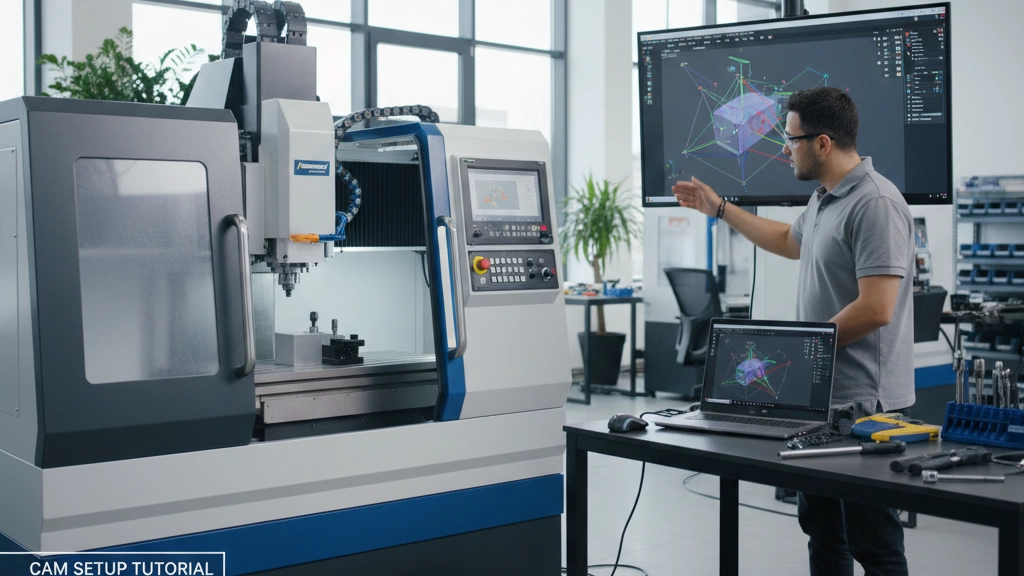
Getting started with CAM machining might seem tricky, but breaking it down makes it a whole lot easier. Here’s a simple walkthrough using Fusion 360—an excellent choice for U.S. shops, especially if you’re new to CNC toolpath generation and CAD-CAM integration.
What You’ll Need Before You Start
- A CAD model ready to go (SolidWorks files, STEP files, or native Fusion 360 designs work great)
- Basic understanding of your CNC machine’s capabilities
- Fusion 360 software installed and updated
- A clear idea of your stock material and fixtures
Quick Walkthrough Using Fusion 360
- Import or create your CAD model. Fusion 360 lets you start fresh or import most common CAD formats.
- Define your stock and fixture setup. cURL Too many subrequests.
- cURL Too many subrequests. cURL Too many subrequests.
- cURL Too many subrequests. cURL Too many subrequests.
- cURL Too many subrequests. cURL Too many subrequests.
- cURL Too many subrequests. cURL Too many subrequests.
- cURL Too many subrequests. cURL Too many subrequests.
- cURL Too many subrequests. cURL Too many subrequests.
- cURL Too many subrequests. cURL Too many subrequests.
cURL Too many subrequests.
- cURL Too many subrequests. cURL Too many subrequests.
- cURL Too many subrequests. to avoid crashes.
- Use Fusion 360’s community tutorials and forums. They’re packed with local user insights.
- Keep your tooling options handy in the software for faster setup.
- Regularly save your project to avoid losing progress.
Visual Aid Suggestion
A step-by-step video tutorial embedded alongside your workspace will speed your learning curve. YouTube has plenty of Fusion 360 CAM tutorials that show these steps in action, which is especially handy for hands-on learners.
By following these steps, your first CAM machining project will be smooth, efficient, and set you up for more advanced machining down the road.
Advanced Techniques: Elevating Your CAM Machining Game
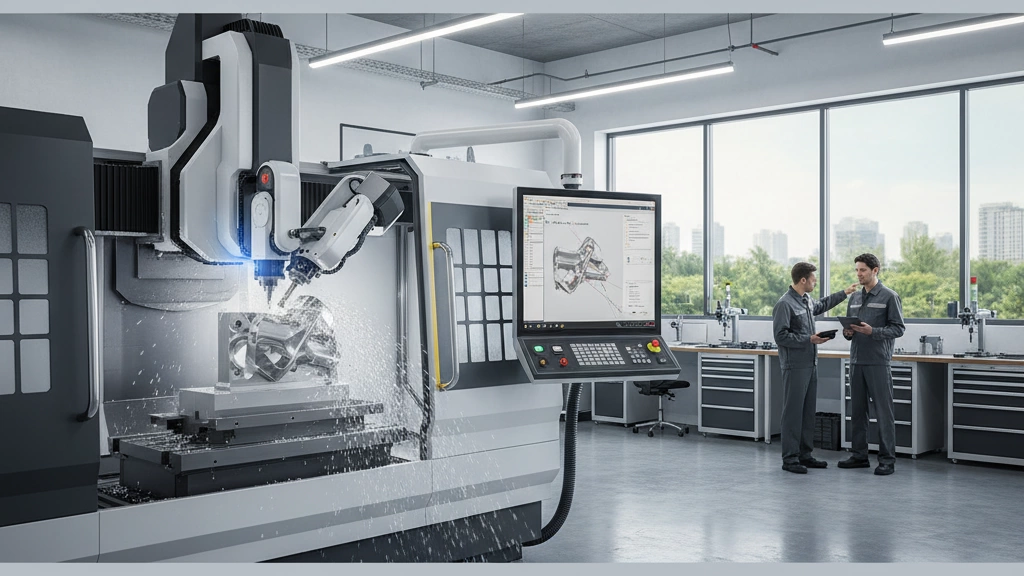
To take your CAM machining to the next level, mastering advanced techniques is key. Here’s a breakdown of some game-changing methods:
Multi-Axis Machining
Moving beyond 3-axis, multi-axis machining (like 5-axis CNC programming) lets you work on complex parts with tight tolerances. This opens doors for precise mold and die machining, reducing setups and improving surface finishes.
High-Speed Machining (HSM)
HSM is all about pushing feeds and speeds optimization. Running your tools faster and cleaner means shorter cycle times and less wear on equipment. It’s a favorite strategy for shops focused on efficiency and precision, especially in aerospace and automotive.
Integration with Automation
Automating CAM processes with robotics and manufacturing process automation tools cuts down manual work and errors. Whether it’s CNC prototyping workflows or full production runs, automation keeps U.S. shops competitive by speeding up job turnaround.
Customization and CAD-CAM Integration
Tailoring toolpaths and adapting G-code output for specific machines improves part quality. Deep CAD-CAM integration helps engineers tweak designs faster and simulate CNC toolpath generation before machining, avoiding costly mistakes.
Industry Spotlights & Real-World Challenges
Industries like aerospace, medical, and defense demand accuracy and innovation. Using AI-driven CAM automation and CNC simulation tools, shops overcome challenges like complex geometries and material hardness. Still, managing software complexity and keeping up with feeds and speeds remains a balancing act.
Bottom line: Mastering these advanced techniques isn’t just about cool tools—it’s about making your shop more efficient, flexible, and ready for tomorrow’s manufacturing demands.
Best Practices and Troubleshooting: Avoiding Costly Mistakes in CAM Machining
Getting CAM machining right can save time, money, and headaches. Here are some proven best practices for US shops looking to optimize their processes and avoid common pitfalls.
Optimization Strategies
- Optimize feeds and speeds: Use reliable CNC simulation tools to dial in cutting speeds and feed rates; this improves tool life and surface finish while reducing tool wear.
- Refine toolpaths: Efficient toolpath generation cuts cycle time and reduces machine stress. Prioritize strategies like trochoidal milling or adaptive clearing.
- Stock and fixture setup: Accurate definition avoids collisions and material waste, keeping the machining process smooth and efficient.
Error Diagnostics
- Simulate before cutting: Always run G-code through a CNC simulator to catch errors early, avoiding costly crashes or scrap.
- Check tool libraries: Ensure tool dimensions and offsets in the CAM software match actual hardware to prevent mismatches during machining.
- Post-processor verification: Confirm your G-code matches the machine requirements—subtle syntax differences can cause big problems.
Quality Control
- Dimensional checks: Use coordinate measuring machines (CMM) or handheld digital calipers to verify parts meet tolerances.
- cURL Too many subrequests. cURL Too many subrequests.
- cURL Too many subrequests. cURL Too many subrequests.
Sustainability Angle
- cURL Too many subrequests. cURL Too many subrequests.
- Energy efficiency: cURL Too many subrequests.
- cURL Too many subrequests. cURL Too many subrequests.
cURL Too many subrequests.
- cURL Too many subrequests. cURL Too many subrequests.
- cURL Too many subrequests. cURL Too many subrequests.
- cURL Too many subrequests. cURL Too many subrequests.
cURL Too many subrequests.
cURL Too many subrequests.
cURL Too many subrequests.
AI and Machine Learning
Artificial intelligence is changing the game by automating complex CNC toolpath generation and optimizing feeds and speeds without hours of trial and error. Machine learning helps CAM software learn from past projects to improve accuracy and efficiency. This means fewer mistakes and faster setups on your shop floor.
Cloud and Collaborative CAM
Cloud-based CAM platforms are making it easier to work remotely, share projects, and update designs in real-time. This kind of collaboration is perfect for teams spread across multiple locations — something more shops are adopting as remote work becomes standard. Plus, cloud CAM reduces the need for expensive hardware on-site.
Hybrid Manufacturing
Combining additive manufacturing (3D printing) with traditional subtractive CAM machining is gaining ground. This hybrid approach allows for faster prototyping and complex part creation that was hard or impossible before. It’s a major boost for local U.S. manufacturers looking to cut lead times without sacrificing precision.
Vast’s Vision
Vast is focusing on integrating AI-driven CAM automation deeply into everyday workflows. Their vision points toward smarter CNC programming tools that not only generate G-code but also anticipate production challenges before they happen. This proactive approach will help U.S. shops stay competitive by lowering costs and increasing quality.
In , these trends underline a shift toward smarter, more connected, and highly efficient CAM machining processes. Staying on top of these innovations means your shop can deliver faster, better, and smarter parts — exactly what the U.S. market demands.
 Italian
  English
  Spanish (Peru)
  German
  Korean
  Spanish (Spain)