
Learn how to prevent warping in 3D printing with expert tips on bed adhesion temperature control and filament selection for flawless prints.
Root Causes of Warping
Warping in 3D printing happens when the printed part cools unevenly, causing it to shrink and lift off the build plate. This thermal shrinkage is the main culprit behind curling or lifting edges, especially with materials like ABS. When the plastic cools faster at the top than the bottom, stresses build up and the part warps.
Other common causes include poor bed adhesion, inaccurate bed leveling, and inconsistent temperature control. If the first layers don’t stick well or the heated bed isn’t calibrated right, the print can easily peel away. Drafts and fluctuating room temperatures create uneven cooling, making warping worse. Lastly, moisture in filament or poor slicing settings can lead to warping by affecting how the material melts and bonds.
Think of warping like a solid foundation cracking under pressure—unless you address these root causes, your prints will keep lifting and curling. Understanding what triggers thermal shrinkage and adhesion failures puts you on the path to reliable, flat prints every time.
Optimize Bed Adhesesion for a Solid Foundation
Getting your first layer to stick well is key to preventing warping. Here’s how to improve bed adhesion:
Level the Bed Precisely
- Use a trusty feeler gauge or paper
- Adjust screws until the nozzle is evenly close to the bed
- Check leveling before every print
Choose the Right Surface
| Surface Type | Best For | cURL Too many subrequests. |
|---|---|---|
| Glass Bed | PLA, PETG | Smooth finish, good with glue sticks |
| PEI Sheet | Most filaments | Durable, easy to clean |
| BuildTak/Sticker | ABS, ABS-like | Improves grip on tough filaments |
Apply Adhesives Effectively
- Glue stick or blue painter’s tape adds grip
- Spray hairspray can help on glass beds
- Clean bed regularly to remove dust and oils
Use Brims, Rafts, or Mouse Ears
| cURL Too many subrequests. | Use When | Effect |
|---|---|---|
| Brim | Large flat bases | Increases contact area, improves adhesion |
| Raft | Warpy filaments (ABS) | Creates a stable base layer |
| Mouse Ears | Small prints | Prevents corner lifting |
Solid bed adhesion sets the stage for a warp-free print. Combining these steps gives you a reliable foundation every time.
Master Temperature Settings
Getting your temperature settings right is a major key to prevent warping in 3D printing. Here’s what to focus on:
- Bed Temperature GuidelinescURL Too many subrequests.
- cURL Too many subrequests.cURL Too many subrequests.
- cURL Too many subrequests.cURL Too many subrequests.
- cURL Too many subrequests.cURL Too many subrequests.
cURL Too many subrequests.
cURL Too many subrequests.
cURL Too many subrequests.
- cURL Too many subrequests. cURL Too many subrequests.
- cURL Too many subrequests. cURL Too many subrequests.
- cURL Too many subrequests. cURL Too many subrequests.
- cURL Too many subrequests. cURL Too many subrequests.
cURL Too many subrequests.
Filament Selection and Preparation
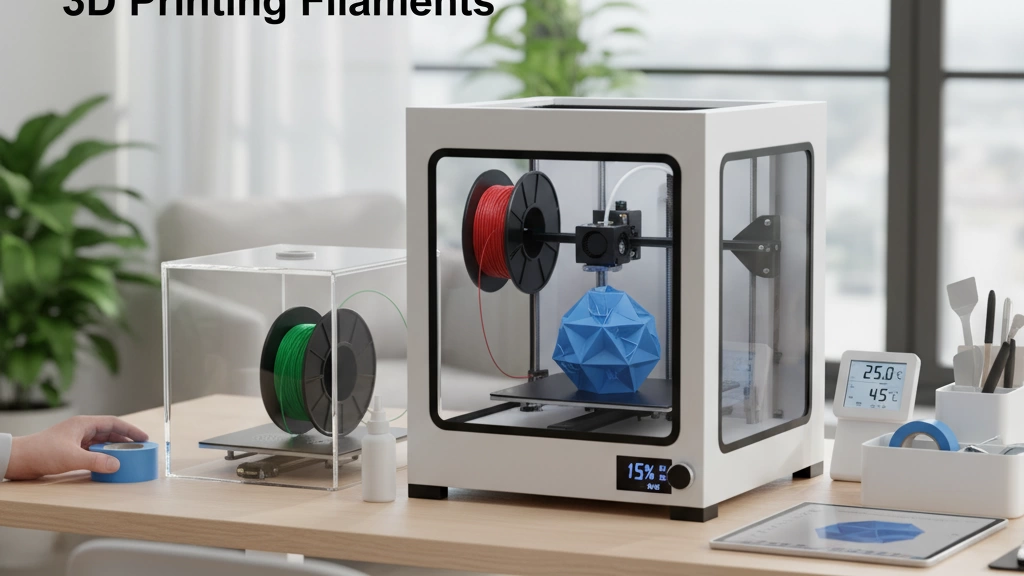
Choosing the right filament plays a big part in preventing warping. Some materials like ABS are notorious for warping because they shrink as they cool. If you want less hassle, consider low-warp filaments like PLA or PETG, which handle temperature changes better.
Before printing, dry your filaments thoroughly. Moisture can cause bubbles and poor adhesion, leading to lifting or cracks. Use a filament dryer or an oven set to the recommended temperature for about 4-6 hours.
Proper storage matters too. Keep your filaments in airtight containers with desiccant packs to control humidity, especially in places like the U.S. where seasonal changes can add moisture. This keeps your filament fresh and ready for smooth, warp-free prints.
Slicer Settings and Print Parameters
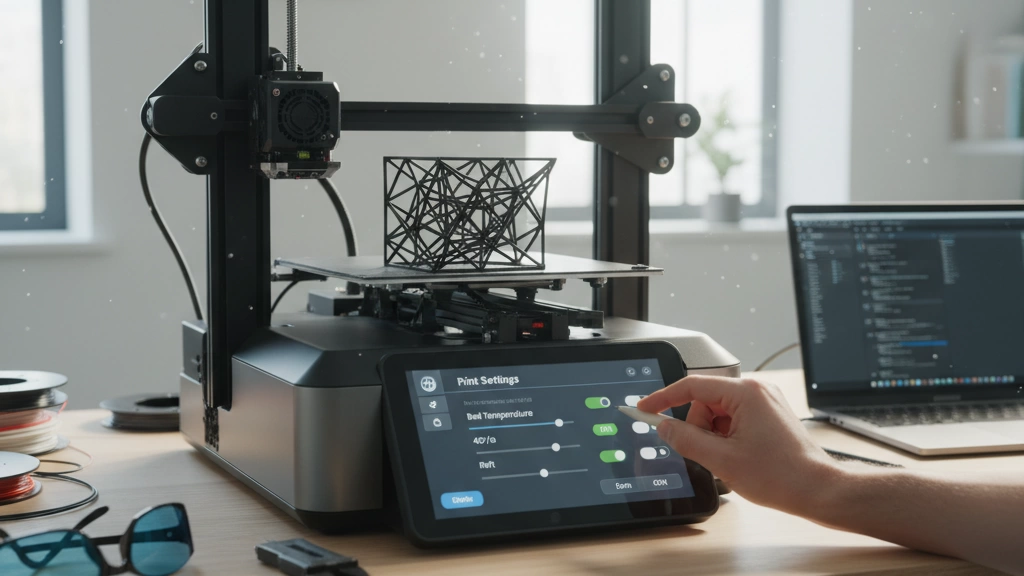
Tweaking your slicer settings is a simple way to fight warping in 3D printing. Here’s what to focus on:
First Layer Essentials
- Slow down the first layer speed to improve adhesion.
- Make the first layer thicker (around 0.2mm–0.3mm) for better bed grip.
- Increase first layer extrusion width for a stronger base.
Infill and Wall Adjustments
| Setting | Tip for Preventing Warping |
|---|---|
| Infill Density | Use 20-30% for strength without stress |
| Wall Thickness | Increase walls to 2-3 perimeters for stability |
Layer Height and Speed
- Use a layer height between 0.1–0.2mm for smoother prints and less warping.
- Avoid printing too fast; reduce print speed to around 40-50 mm/s for better bonding.
cURL Too many subrequests.
- Enable “Z-hop” to avoid dragging the nozzle, which can weaken adhesion.
- Use gradual infill or adaptive layering if your slicer supports it to reduce thermal stress.
- Some slicers offer “elephant foot compensation” to fix the slight flattening at the base.
By fine-tuning these slicer settings, you’ll boost first layer adhesion and reduce thermal shrinkage that causes warping. This is especially helpful with tricky filaments like ABS.
Model Design Best Practices for Preventing Warping
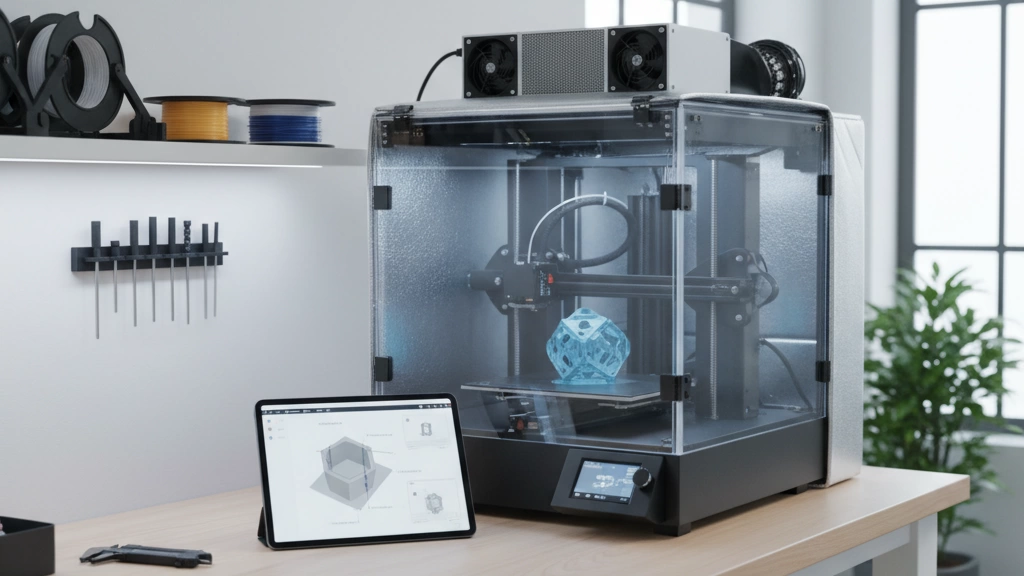
When it comes to how to prevent warping 3D printing, the way you design your model plays a big role. Large flat bases often cause more warping because they shrink unevenly as they cool. Instead, try these design tips:
- Avoid big flat areas: Break up large flat surfaces or add curves to reduce shrinkage points.
- cURL Too many subrequests. cURL Too many subrequests.
- cURL Too many subrequests. cURL Too many subrequests.
- cURL Too many subrequests. cURL Too many subrequests.
cURL Too many subrequests.
cURL Too many subrequests.
cURL Too many subrequests.
cURL Too many subrequests.
cURL Too many subrequests.
cURL Too many subrequests.
cURL Too many subrequests.
cURL Too many subrequests.
cURL Too many subrequests.
cURL Too many subrequests.
cURL Too many subrequests.
cURL Too many subrequests.
- cURL Too many subrequests.
- A printer enclosure or aftermarket enclosure kit.
- Improved bed surfaces like PEI sheets or glass with adhesives.
Following these clear steps will help you squash persistent warping and get solid, smooth 3D prints every time.
 Italian
  English
  Spanish (Peru)
  German
  Korean
  Spanish (Spain)